Automate Lead Routing for Faster Response Times
Every minute a lead waits is a minute your competitor can respond first. Automated lead routing gets the right lead to the right rep in seconds — not hours.
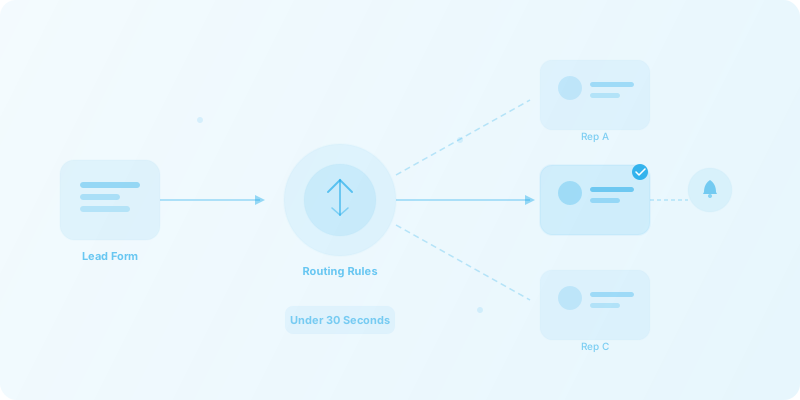
The problem
Manual lead routing is costing you deals. Here is why it breaks down:
- Slow response times. Leads sit in a shared inbox or spreadsheet — response time suffers, and hot leads go cold before anyone reaches out.
- Uneven distribution. Manual assignment means uneven distribution and missed SLAs. Some reps are overloaded while others sit idle.
- No visibility. No visibility into which leads are being worked and by whom. Managers can't identify bottlenecks until it's too late.
How automated lead routing works
- 1
Lead is captured
A lead submits a form or is captured from an ad campaign, webinar, or third-party source.
- 2
Data is enriched
Lead data is automatically enriched with company size, industry, location, and other firmographic details.
- 3
Routing rules are applied
Configurable routing rules assign the lead based on territory, round-robin, deal size, or any custom criteria.
- 4
CRM is updated
A CRM record is created or updated with full context — enrichment data, source, score, and assigned owner.
- 5
Rep is notified instantly
The assigned rep is notified via Slack or email within seconds, with all the context they need to act.
- 6
Escalation if no response
If no response in 15 minutes, the lead is automatically escalated to a manager or reassigned to another rep.
Tools commonly involved
We integrate with the tools your team already uses — no rip and replace required.
The ROI of automated lead routing
Lead routing FAQ
What CRMs do you support for lead routing?
We support HubSpot, Salesforce, Pipedrive, Zoho CRM, and more. If your CRM has an API or is supported by Zapier, Make, or n8n, we can integrate it into an automated routing workflow.
Can routing rules change based on deal size or industry?
Yes, routing rules are fully configurable. We can route based on any combination of deal size, industry, territory, product interest, lead score, company size, or custom fields — and update the rules as your team and territories evolve.
What happens if the assigned rep doesn't respond?
Escalation rules automatically kick in. If a rep doesn't acknowledge or act on a lead within a configurable time window (for example, 15 minutes), the lead is reassigned to another rep or escalated to a manager — so no lead falls through the cracks.
How long does it take to set up?
A production-ready lead routing workflow typically takes one to two weeks. That includes discovery, CRM configuration, enrichment integrations, routing logic, notifications, escalation rules, testing, and documentation.
Ready to stop losing leads to slow response times?
Let us build a lead routing workflow that gets every lead to the right rep in seconds — not hours.