QuickBooks Integration Consulting
QuickBooks Online is the backbone of SMB accounting. We build integrations that connect it to your CRM, payment processors, and reporting tools — so your data flows automatically and your team stops entering things twice.
At a glance
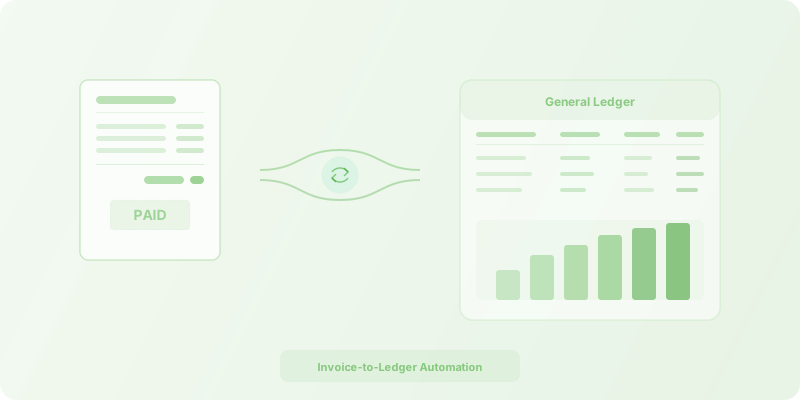
QuickBooks Online is the right fit for SMBs that want their accounting system talking to every other tool in the stack. SmartFlow builds integrations via Zapier, Make, n8n, or direct API that sync contacts, automate invoicing, reconcile payments, and pipe financial data into dashboards — all without touching your chart of accounts.
What we do with QuickBooks
Example QuickBooks integration use cases
- Automatic invoice creation in QuickBooks when deals close in HubSpot or Salesforce
- Two-way contact and company sync between CRM and QuickBooks
- Payment receipt matching and reconciliation across payment processors
- Automated expense categorization from bank feeds and receipt scans
- Project profitability tracking by syncing time entries with QuickBooks invoices
- Monthly revenue reporting pulled from QuickBooks into Google Sheets or dashboards
Is QuickBooks integration the right fit?
- QuickBooks Online is your accounting system
- You want to eliminate double data entry between sales and accounting
- You need real-time sync between your CRM and QuickBooks
- You want automated invoicing triggered from your CRM
- You need payment reconciliation across multiple processors
- You are on QuickBooks Desktop (limited API support)
- You need ERP-level accounting features beyond what QuickBooks offers
- Your accounting team prefers fully manual control over every entry
- You are considering switching away from QuickBooks entirely
QuickBooks integration FAQ
Do you work with QuickBooks Desktop or just Online?
We primarily work with QuickBooks Online because it has a well-supported REST API that enables robust, real-time integrations. QuickBooks Desktop has limited integration options — it relies on the older Web Connector or SDK, which restricts what can be automated reliably. If you are on Desktop and considering a move to Online, we can help plan that migration as well.
Can you sync QuickBooks with our CRM automatically?
Yes. CRM-to-QuickBooks sync is one of our most common engagements. We build bidirectional integrations that keep contacts, companies, invoices, and payment statuses in sync between QuickBooks and CRMs like HubSpot, Salesforce, and Pipedrive — using Zapier, Make, n8n, or direct API connections depending on your volume and complexity.
Will automation break our chart of accounts?
No. We map every field carefully and test thoroughly in a QuickBooks sandbox environment before touching production. Your chart of accounts, tax codes, and account classifications stay exactly as your accountant set them up. We build the integration to respect your existing structure, not override it.
How do you handle QuickBooks API rate limits?
QuickBooks Online enforces strict API rate limits, especially for high-volume operations. Every integration we build includes queuing, request batching, and automatic retry logic with exponential backoff. For clients with large transaction volumes, we design workflows that spread requests across time windows to stay well within limits.
What happens when QuickBooks updates their API?
Intuit periodically updates and deprecates QuickBooks API endpoints. Our ongoing support plans include proactive monitoring of API changelog announcements, testing against new versions before they go live, and updating your integrations before breaking changes take effect. You do not have to worry about waking up to broken automations after an update.
Ready to connect QuickBooks to your stack?
Whether you need CRM sync, payment reconciliation, or a full accounting automation overhaul, we can help.